Bilder
Windows 11: Systemanforderungen, Neuerungen und 1. Testversion
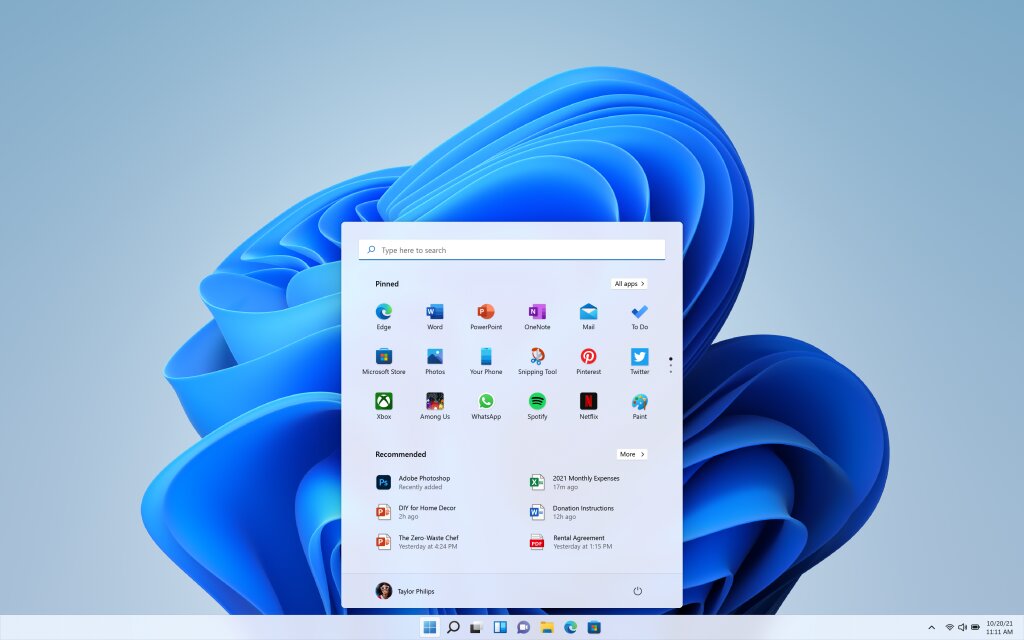
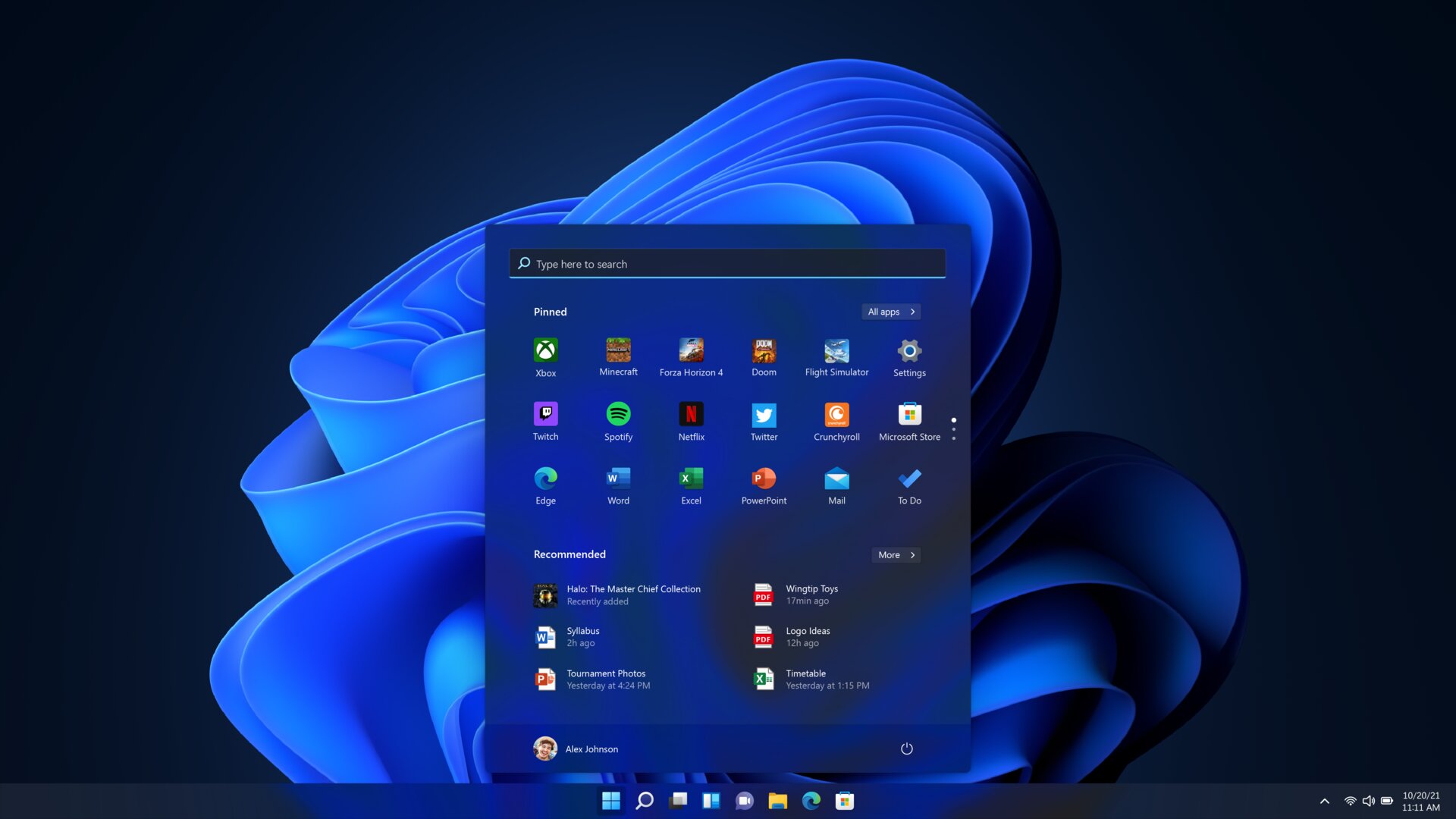
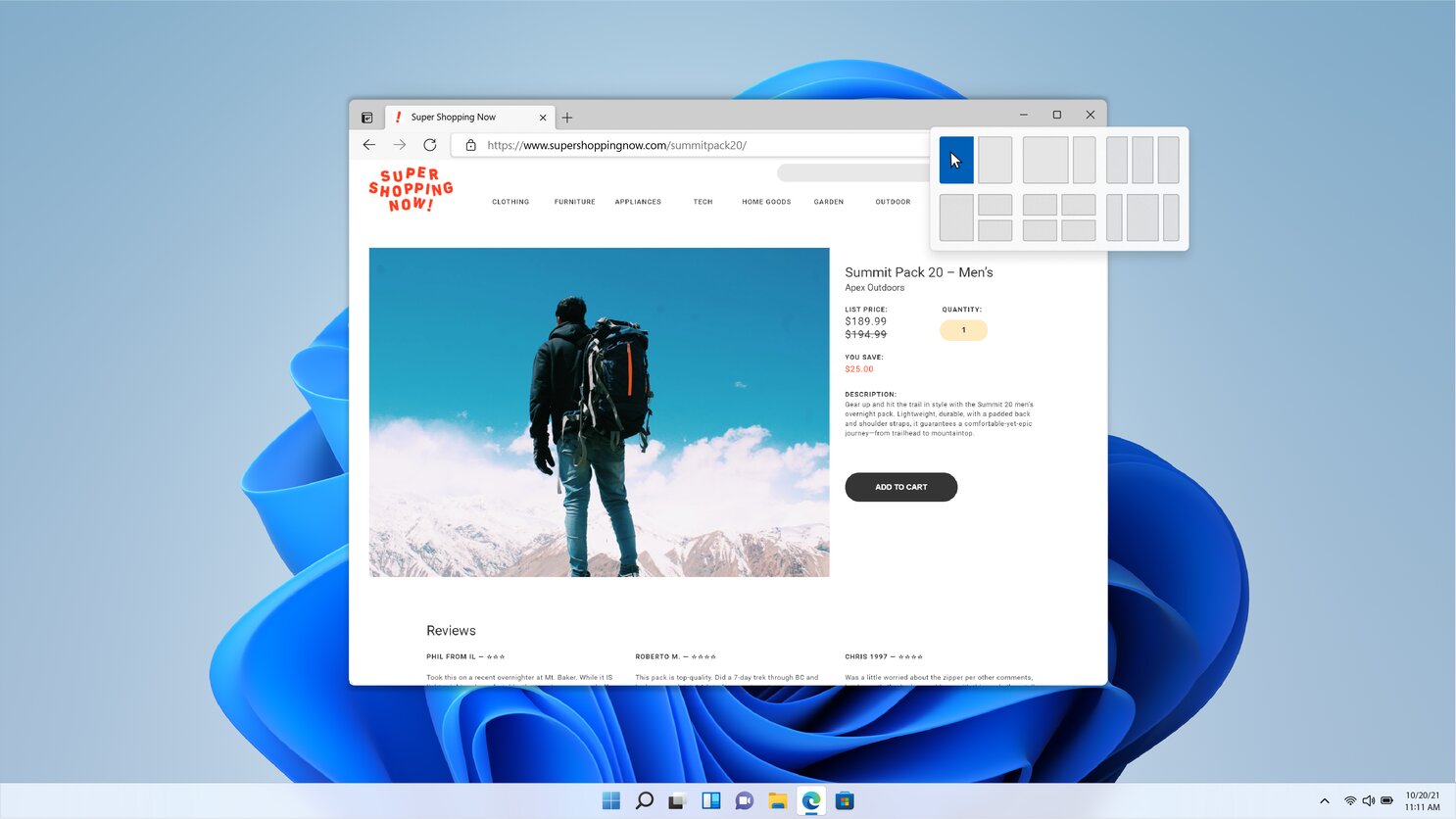
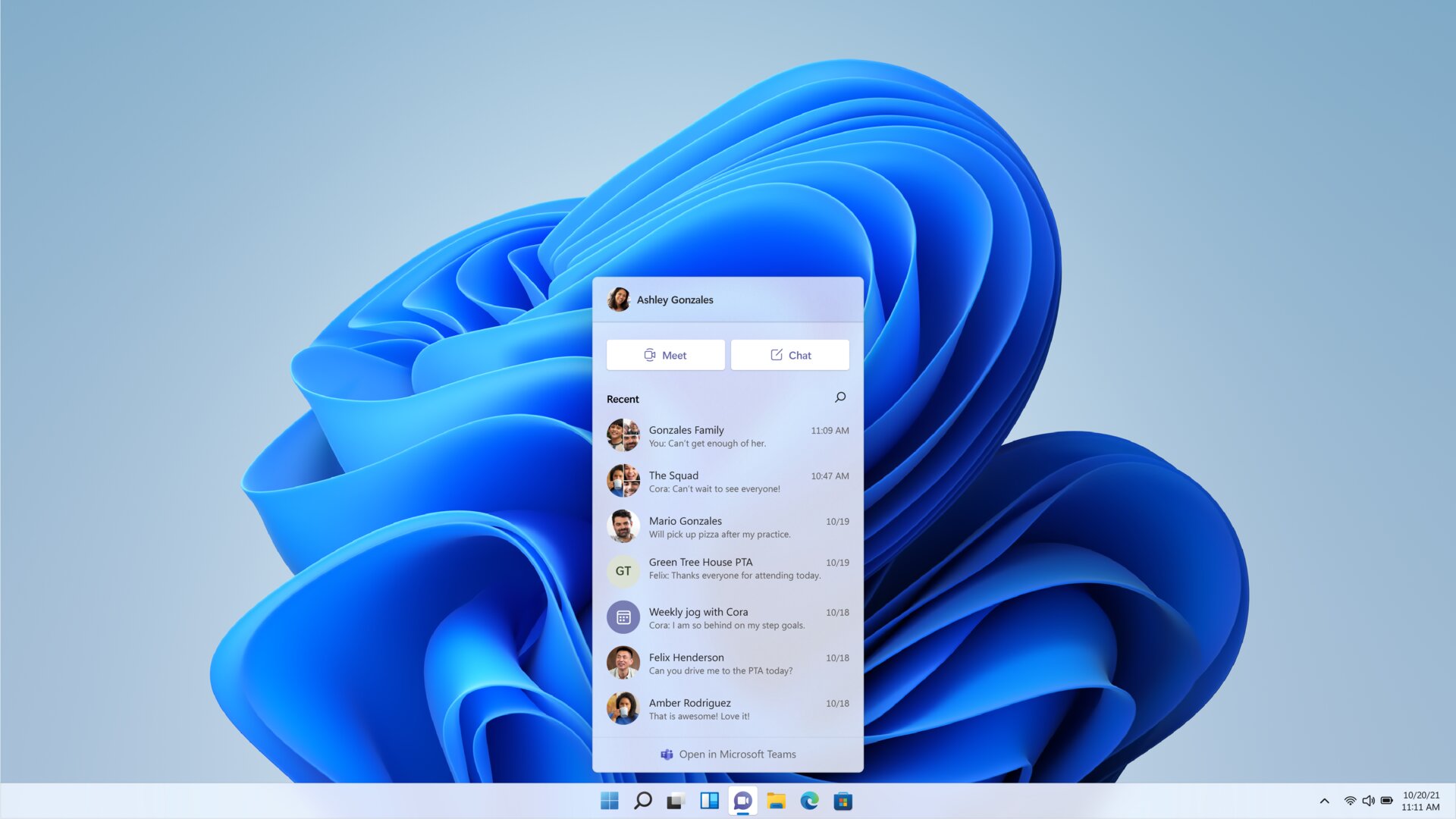
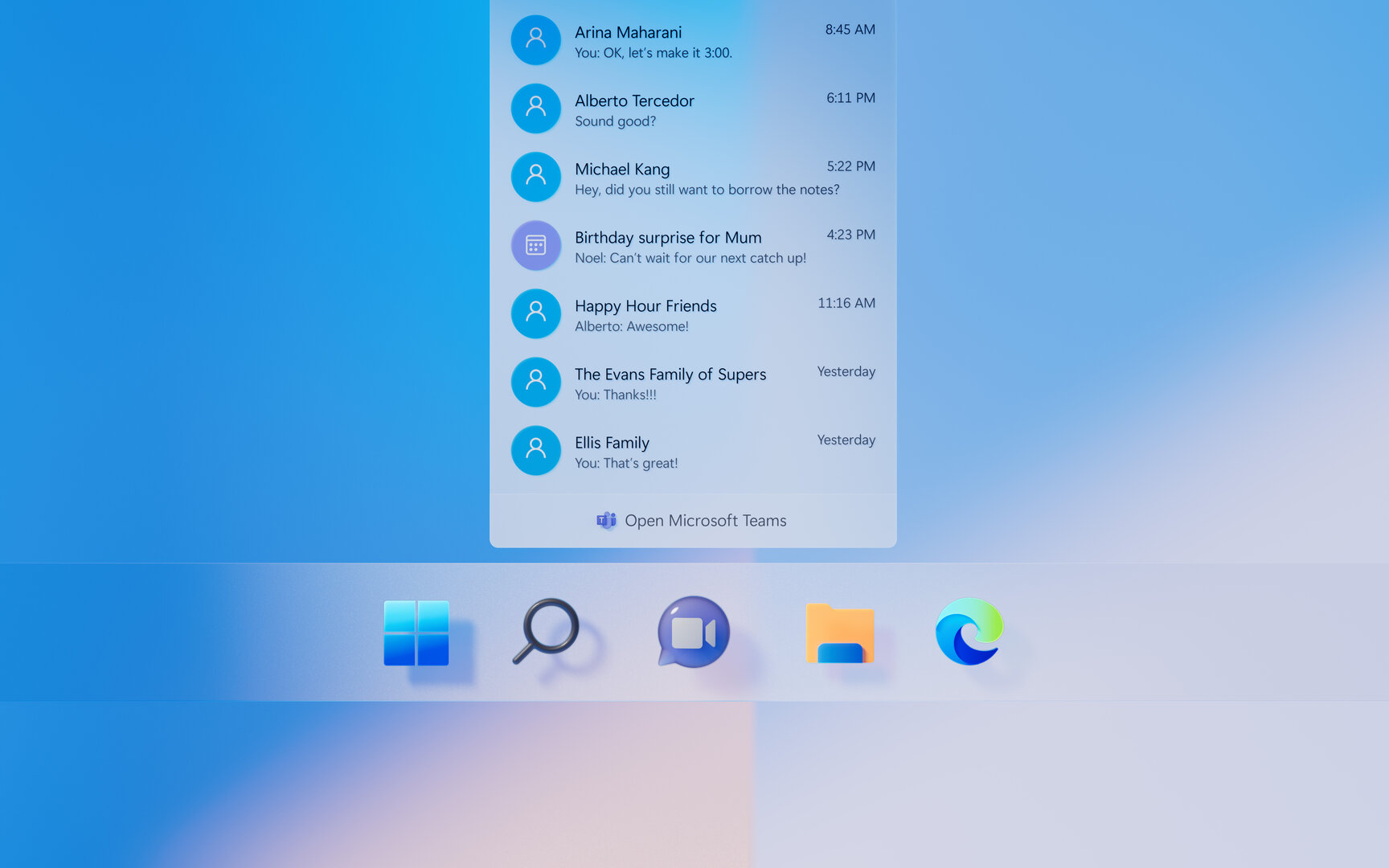
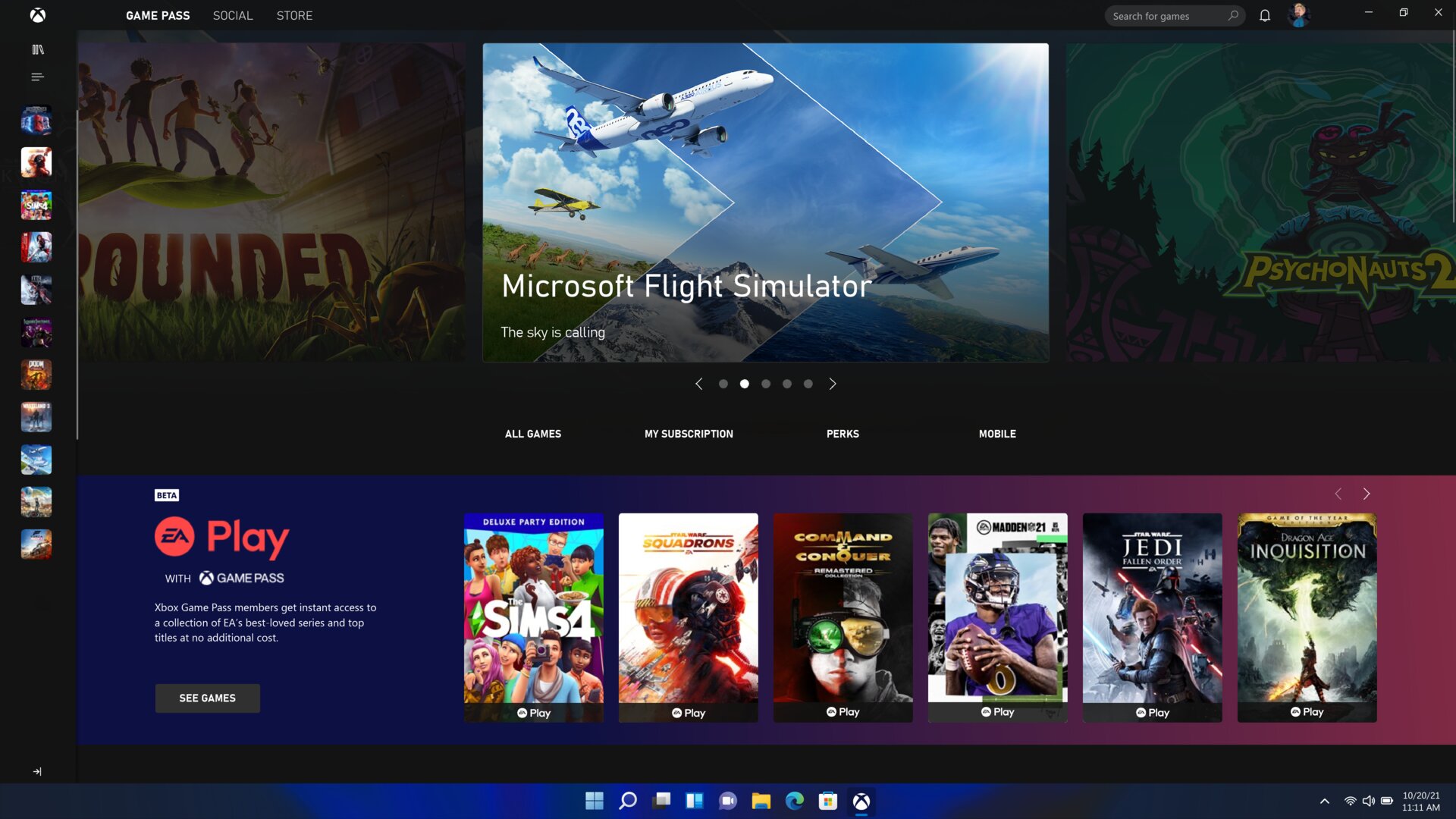
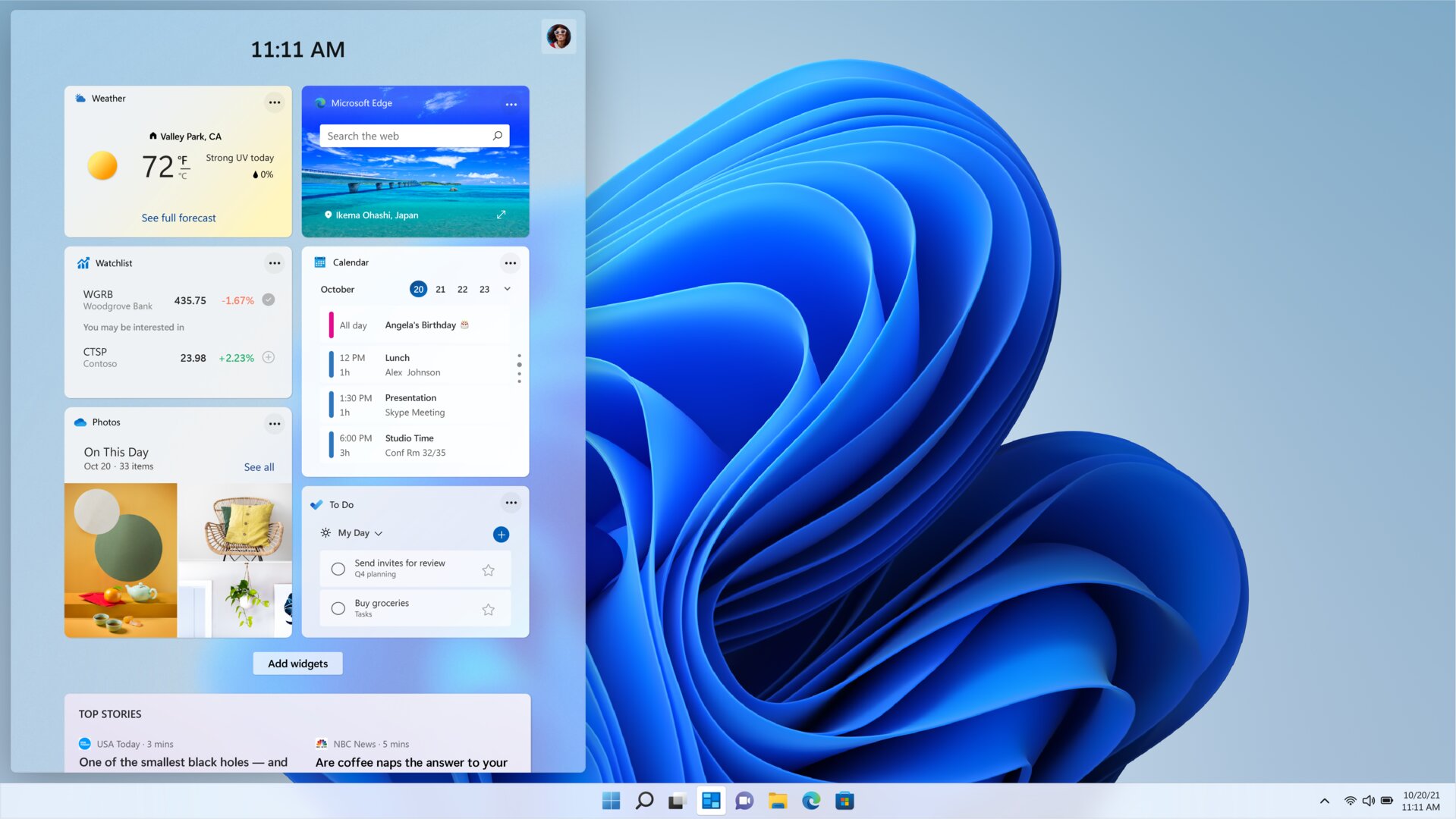
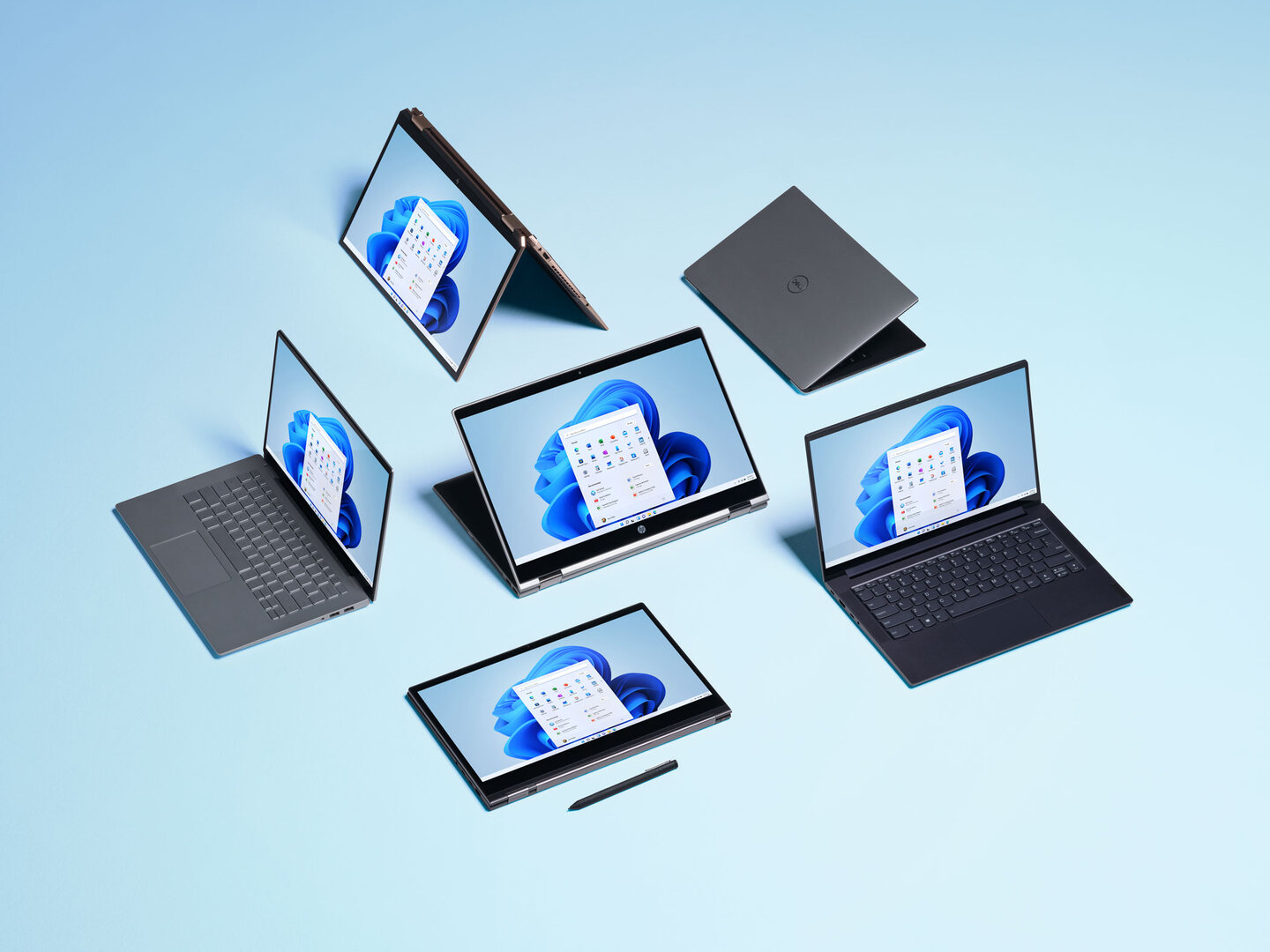
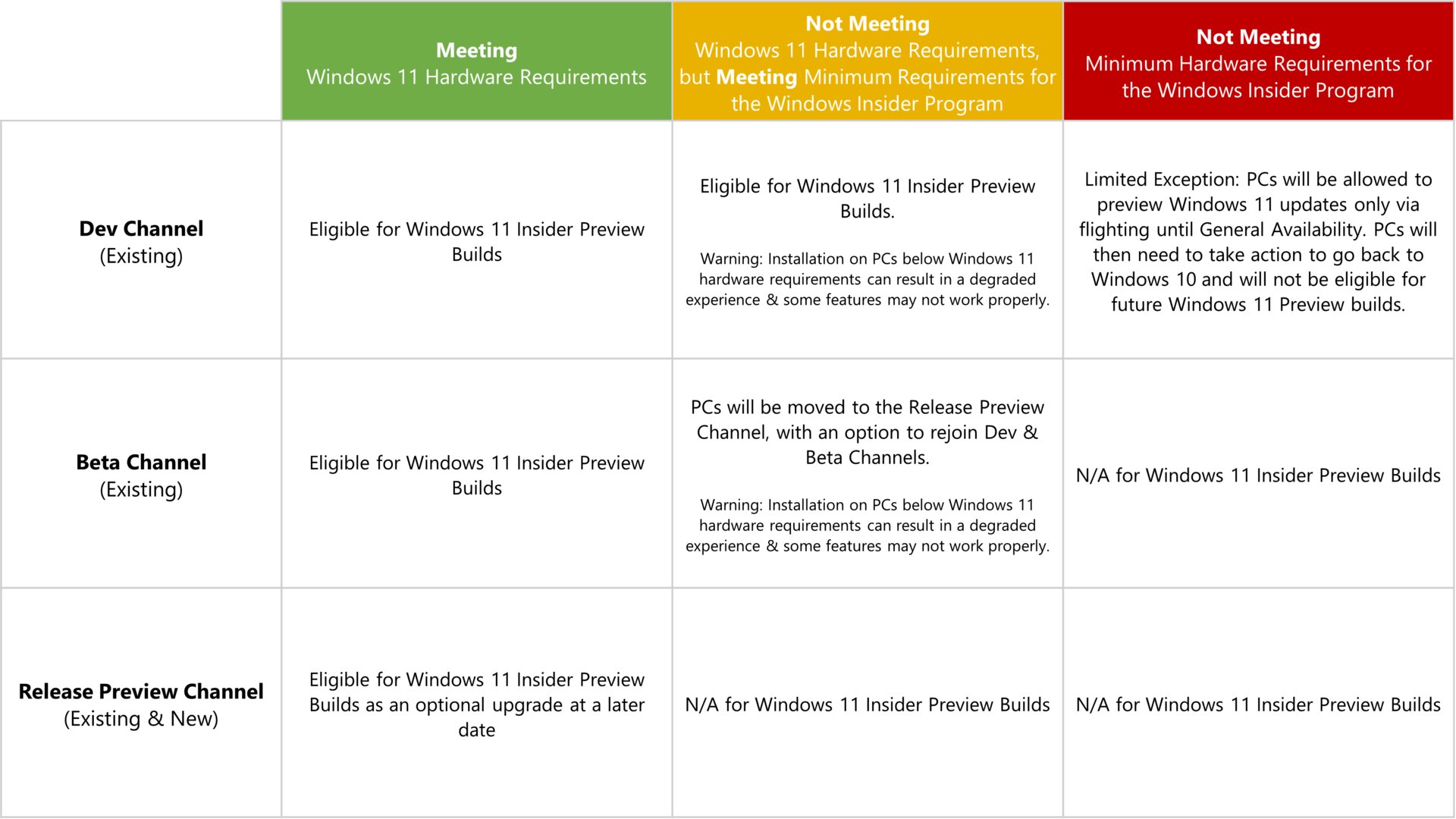
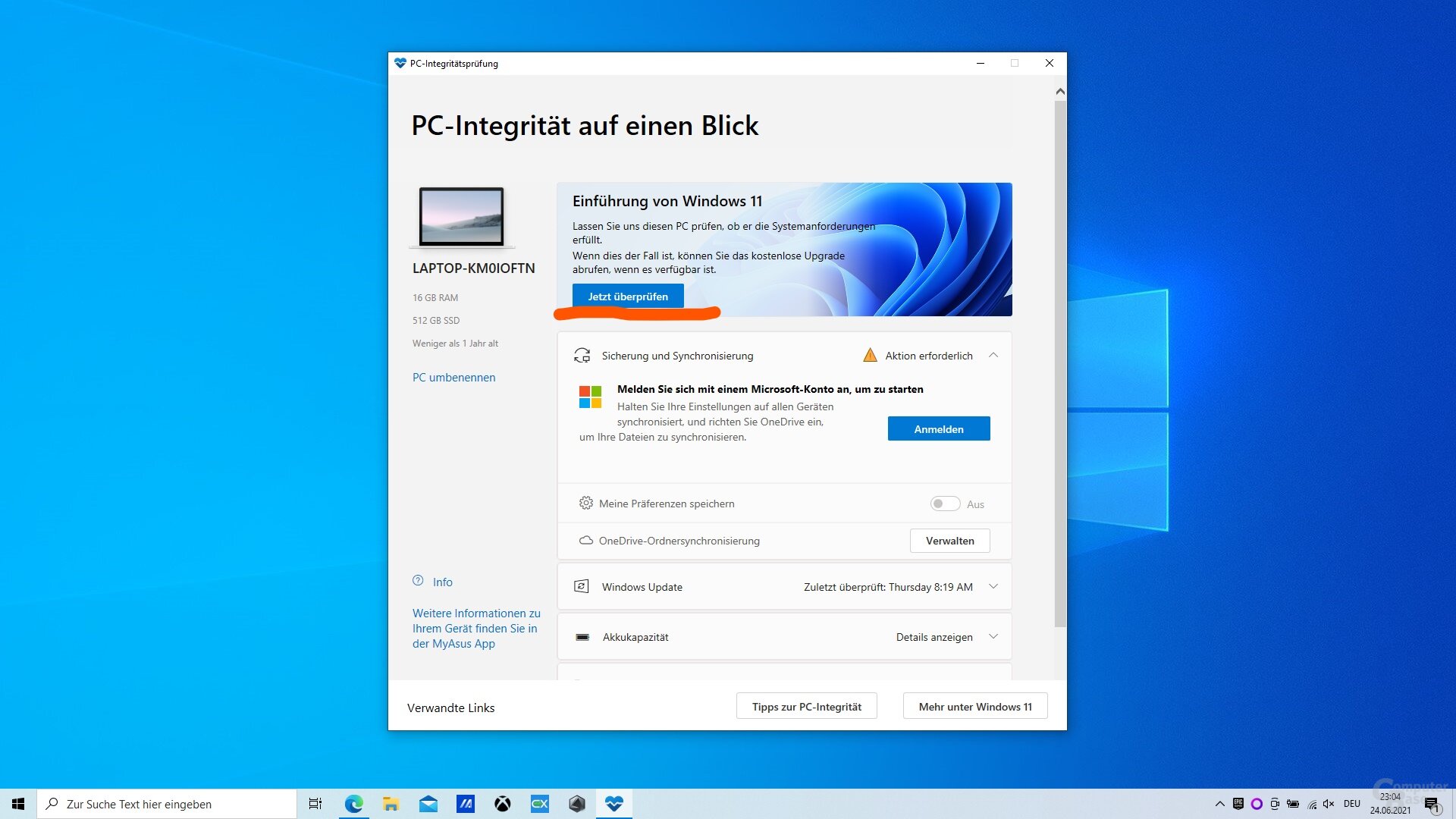
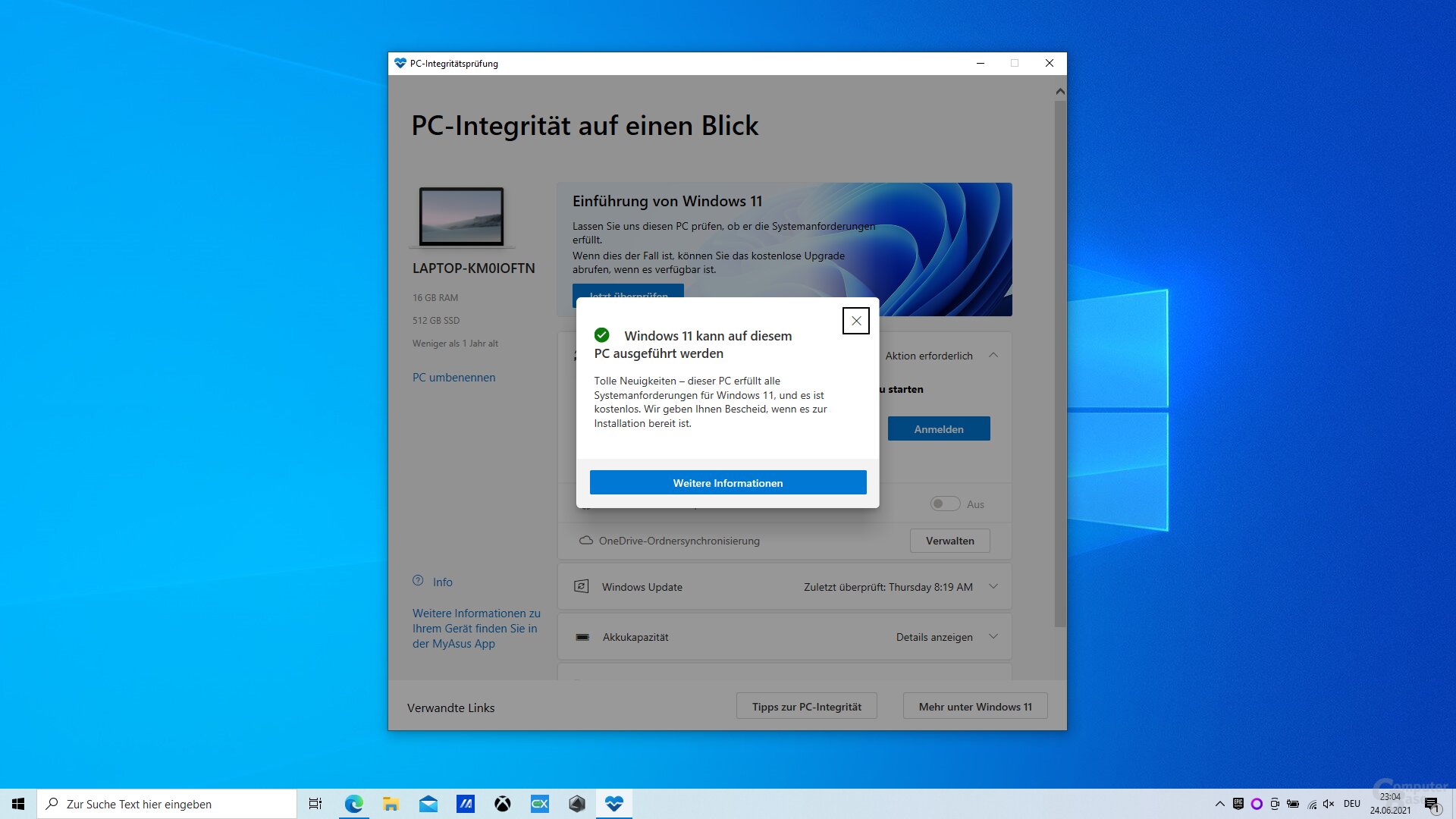
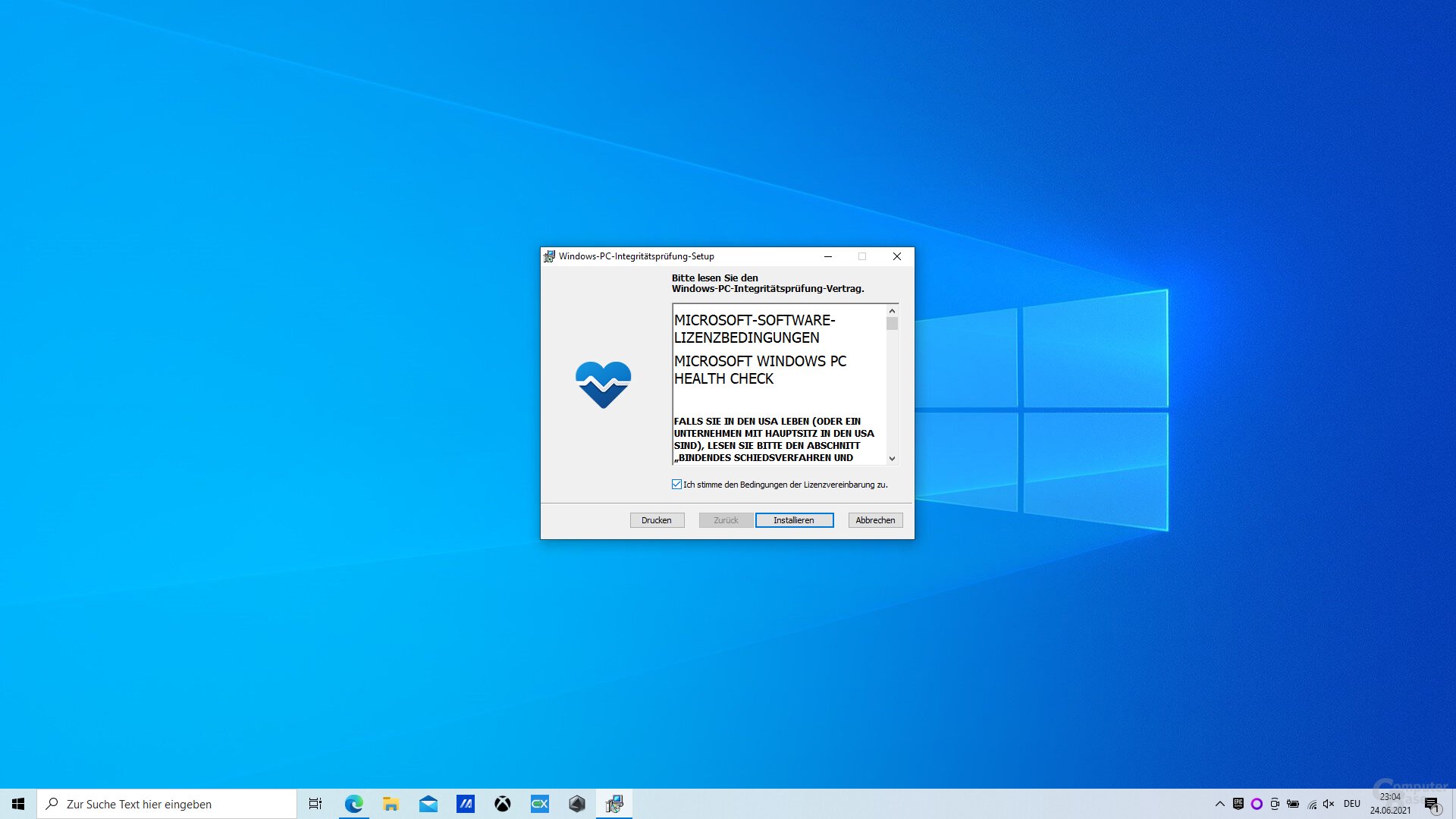
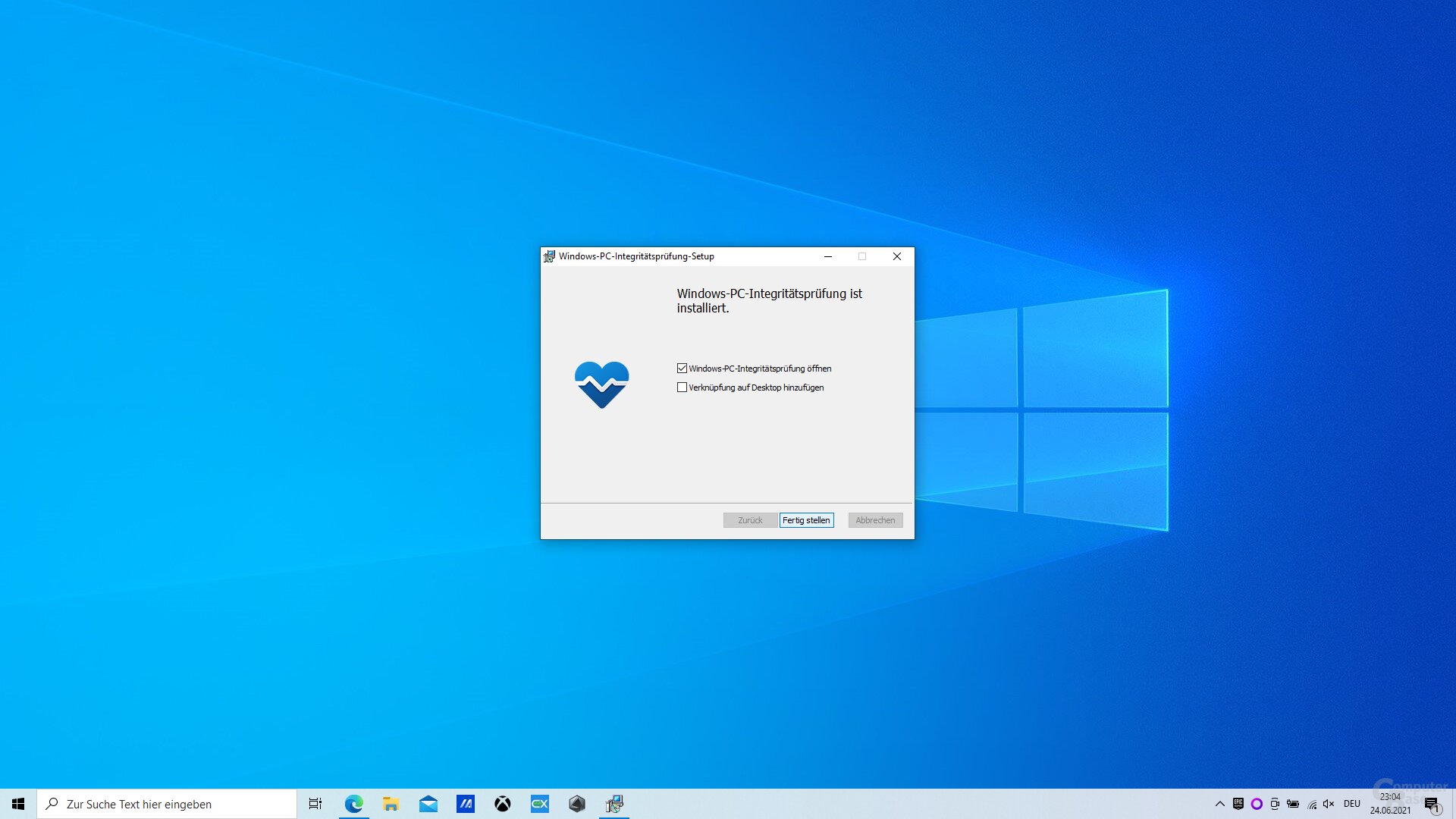
Das neue zentrale Startmenü (Bild: Microsoft)Windows 11 Start Dark (Bild: Microsoft)Die neuen Snap-Funktionen für effizienteres Multi-Tasking (Bild: Microsoft)Microsoft Teams für alle direkt in Windows 11 (Bild: Microsoft)Windows 11 Chat Integration Screen (Bild: Microsoft)Nvidia RTX IO nutzt DirectStorage-API (Bild: Nvidia)Der neue Microsoft Store mit Streaming-App-Integration (Bild: Microsoft)Das neue Widget-Overlay in Windows 11 (Bild: Microsoft)Ab sofort verkaufte Windows-10-PCs sollen „Windows 11 ready“ sein (Bild: Microsoft)Finale Testversionen von Windows 11 setzen erfüllte Systemanforderungen voraus (Bild: Microsoft)Nach dem Aufrufen muss auf „jetzt prüfen“ geklickt werdenDann wird das Ergebnis präsentiertDas Tool PCHealthCheck prüft, ob das System zu Windows 11 kompatibel istDas Tool PCHealthCheck prüft, ob das System zu Windows 11 kompatibel istWindows 11 Wallpaper (Light Mode) (Bild: Microsoft) Windows 11 Wallpaper (Dark Mode) (Bild: Microsoft)